
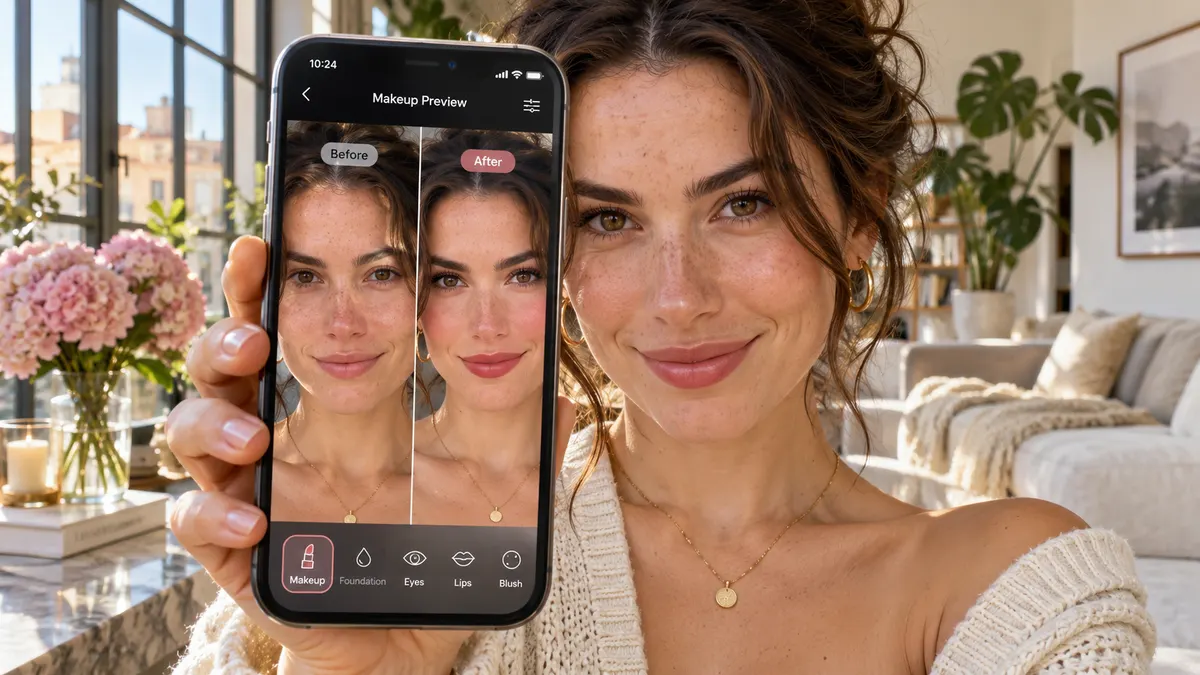
Virtual makeup try-on lets you see a makeup look on your own face before you buy a product or pick up a brush. Early versions were simple filters that pasted flat color onto your lips. Today's AI makeup generators re-render your whole face, so blush sits on your cheekbones, liner follows your lash line and lipstick keeps the texture of your lips.
Here is how it works, and how to get a result that looks real.
What is virtual makeup try-on?
A virtual makeup try-on tool takes a photo of your face and returns the same photo wearing a different makeup look. Good tools change only the makeup. Your identity, expression, hair, clothes and background stay exactly the same, so the before and after comparison is honest.
There are two main kinds:
- Live AR filters track your face through the camera and overlay color in real time. They are fast but often look flat, especially on lips and eyelids.
- AI makeup generators like VMakeup AI work on a still photo. They take a few seconds longer, but they understand light, skin texture and face shape, so results look like a photo of you wearing real makeup.
How an AI makeup generator works
When you press Generate makeup, the AI:
- Maps your face: eyes, brows, lips, cheekbones, jaw and hairline.
- Reads your skin: tone and undertone, so shades adapt instead of looking pasted on.
- Applies the look: each preset describes where color goes and how strong it is. The AI paints it in, respecting the light already in your photo.
- Keeps everything else: only the makeup changes, which is why the before and after slider lines up perfectly.
Seven tips for a realistic result
- Face the camera straight on. A three-quarter angle hides one cheek and makes blush placement guesswork.
- Use daylight. Window light from the front gives the truest skin tone. Avoid overhead bulbs that cast shadows under the eyes.
- Start bare or close to it. Heavy existing makeup competes with the new look.
- Pull hair off your face. Hair over the cheeks or brows hides where color should go.
- Keep a relaxed expression. A soft smile works. Squinting changes the eye shape.
- Skip beauty filters. Smoothing filters erase the skin texture the AI needs.
- Use a sharp photo. At least 1000 px tall, in focus, JPG, PNG or WebP. VMakeup AI accepts files up to 16 MB.
Ways to use a virtual try-on
- Before you buy: test a red lip or a smoky eye before spending money on products that may not suit you.
- Before an event: compare Bridal Rose and Soft Glam on your face before a wedding or a photo shoot.
- To learn your type: trying looks across warm and cool shades shows you your undertone faster than any quiz. Our guide on how to determine your makeup type explains what to look for.
- For fun: trends like Latte Makeup and Strawberry Girl are easier to judge on your face than on someone else's.
Is virtual makeup try-on accurate?
It is a strong preview, not a guarantee. Screens, lighting and the exact formula of a real product all change the final result. Use the try-on to choose a direction, such as warm or cool or matte or dewy, then match real products to it in store light.
Ready to try? Upload a selfie to the VMakeup AI makeup try-on. It is free and needs no signup.
See it on your face
Try 15 makeup looks on your selfie. Free, no signup.